Page created on 11/01/2026.
Third test: another JPEG image
The interest of this photo lies in the details of the bark on the stump, which will really put our test to the test.
Original image specifications: 6,016 × 3,000 px, 13,052 KB.
Here, as before, compression does not allow going below 500 KB. Therefore, I will use an image reduced by 50 % in size, champignon-50.jpg, measuring 3,008 × 1,500 px and 7,819 KB.
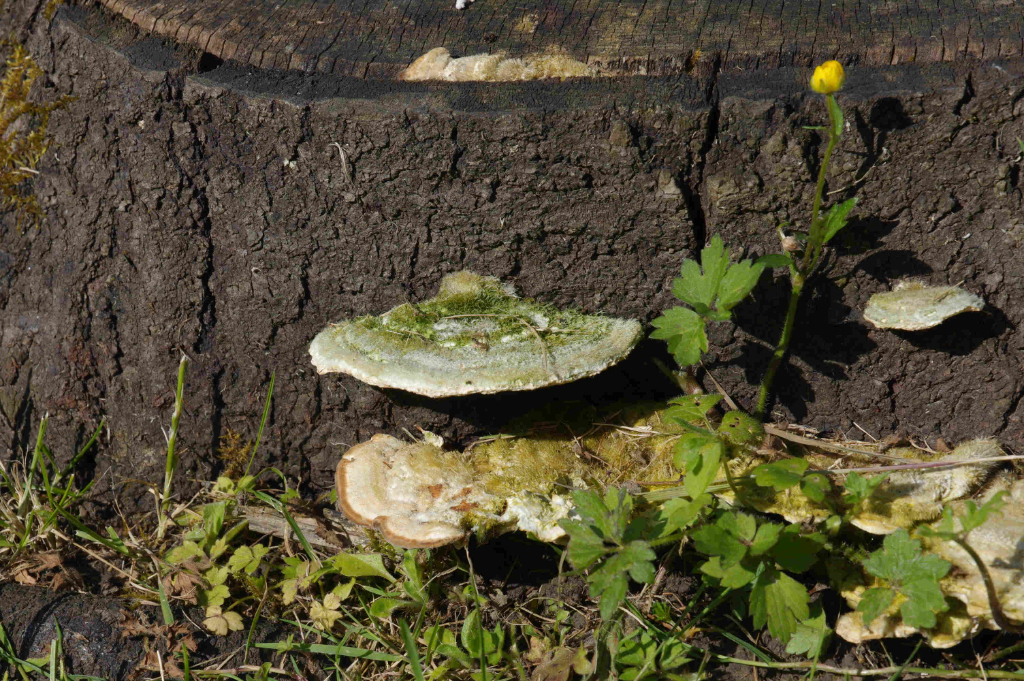
JPEG compression reduction
The image must be compressed to 15 % to achieve a file size of 493 KB. It is named champignon-50-c15.jpg. The compression is huge!
Reduction by decreasing dimensions
The dimensions must be reduced to 20 % to obtain an image of 486 KB and 602 × 400 px. Name: champignon-50-r20.jpg.
Comparisons
- Comparison of the original and compressed images.
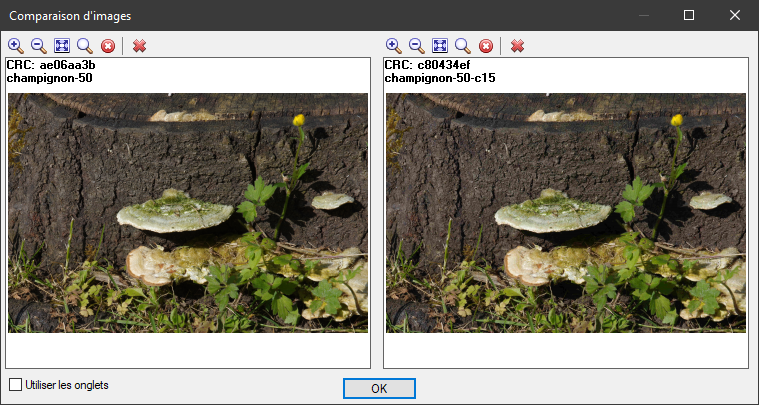
Let's have a closer look.
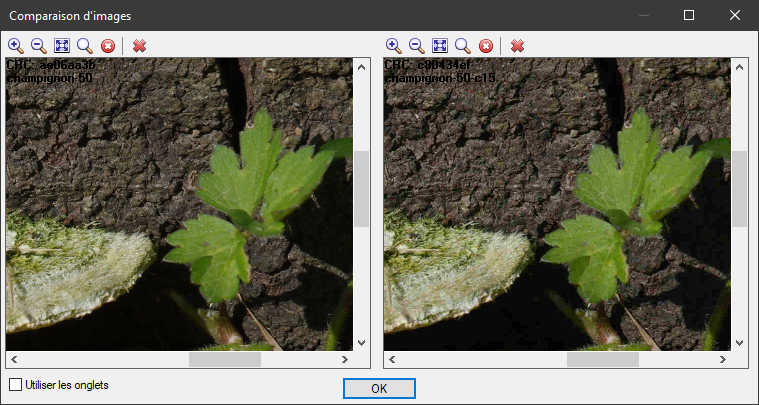
In a way that I find astounding given the compression applied, it is difficult to see any differences between these two photos!
- The same cannot be said for the shrunk image (left) compared to the compressed image on the right:
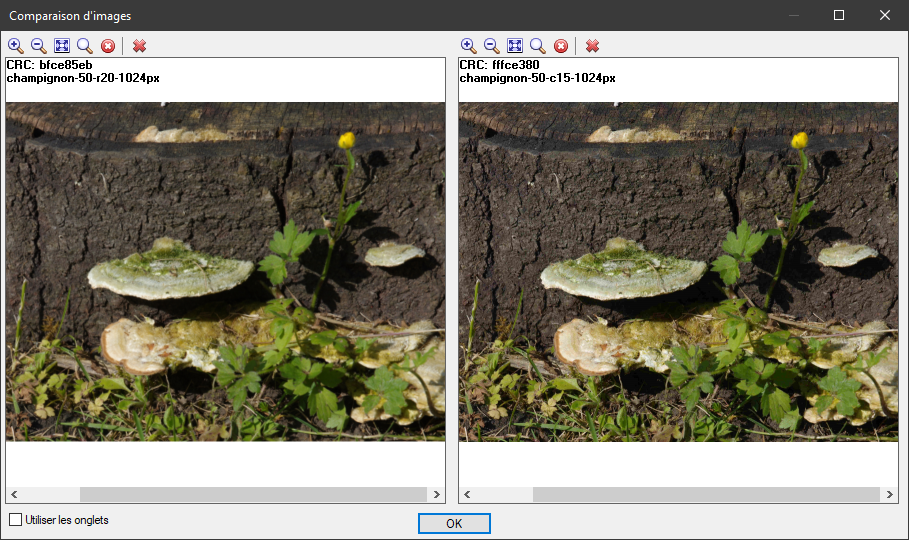
In detail:
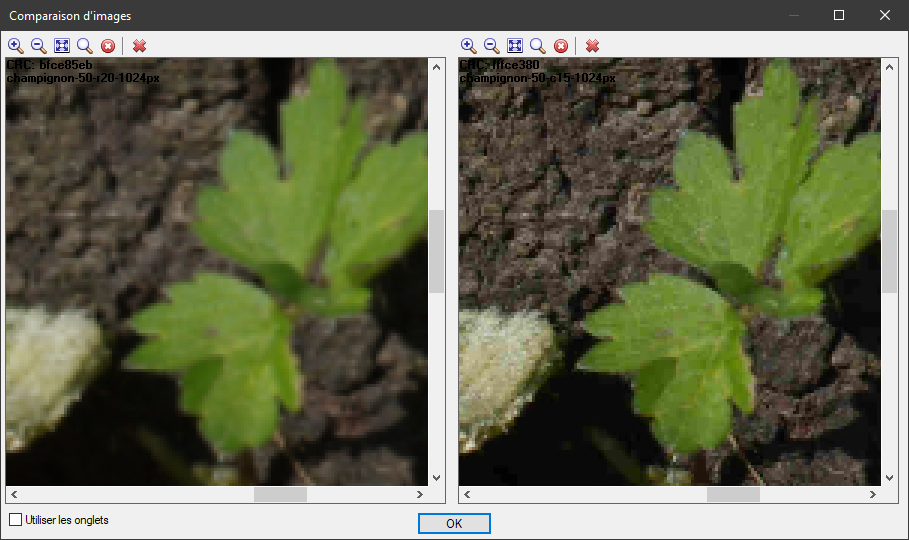
Here, the compressed image is undoubtedly much better than the shrunk image.
One last comparative photo
Finally, here is a comparative photo that is less exaggerated than the previous ones, to which I applied both types of reduction, with different settings.
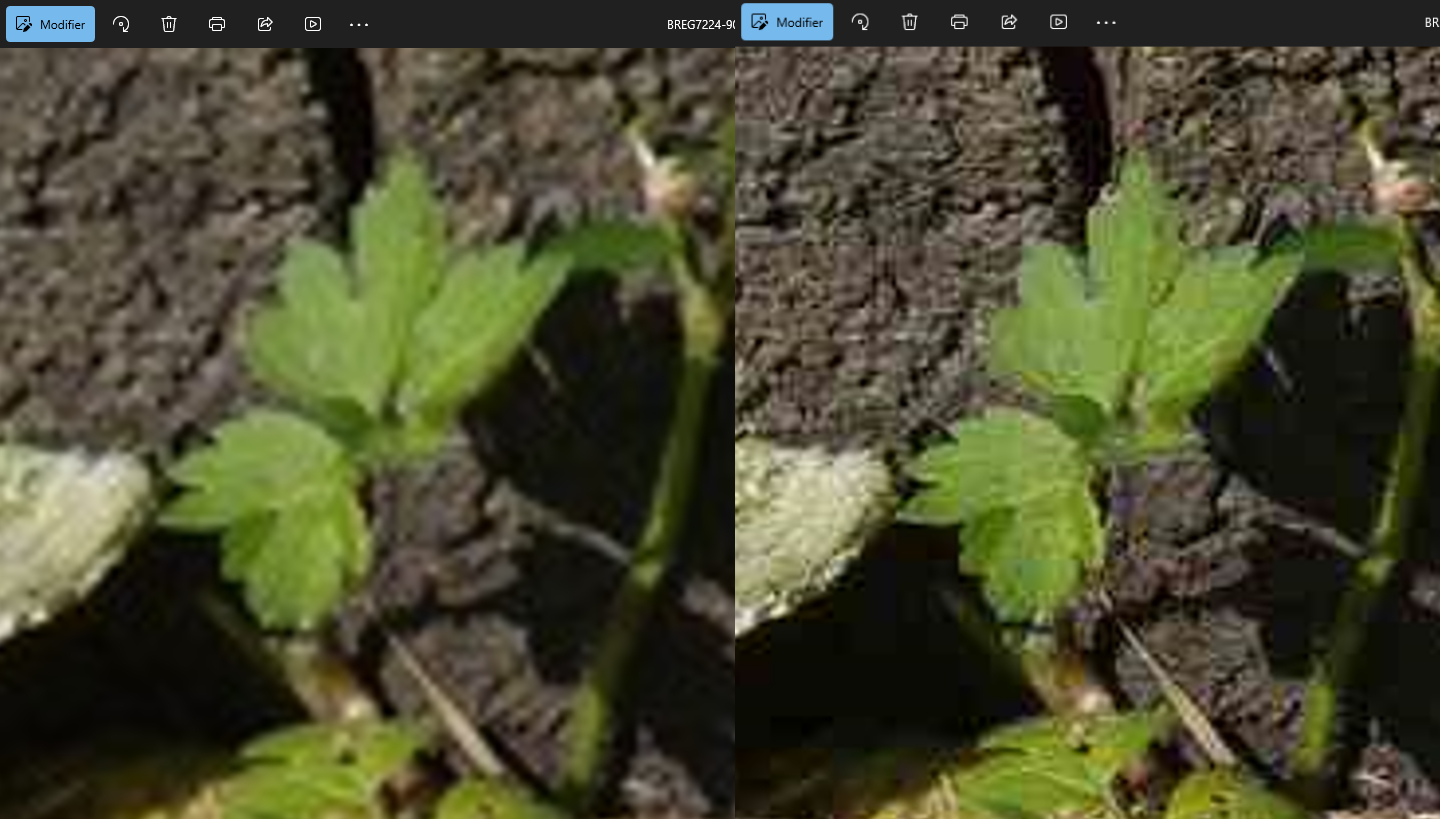
On the left, image width 1000 px, quality 90 %, 318 KB. On the right, width 2000 px, quality 30 %, 328 KB. The most compressed image wins hands down!
Conclusion
Although these few examples do not constitute proof, they do show the superiority of compression over reduction in size. I have observed this many times before.
For images to be published on the web, which, as we have seen, should be made as light as possible, we can combine the two methods: moderate reduction in size and fairly strong compression.
If you wish to publish only degraded images to limit piracy of your work, then reduce the size as much as possible!
Personally, I publish photos on my website in two main formats. The first, which I call low definition, has a width of 600 pixels and a JPEG quality of 80 %. The second, high definition (everything is relative!), is 1000 px wide with a quality of 90 %.
The file sizes are around 30 to 50 KB in low definition and 200 to 300 KB in high definition. As you can see, I am well below the 500 KB allowed by the Loco-Revue forum!