Page created on 11/01/2026.
First test: PNG image generated by software
We begin with a fairly simple image generated by the AutoCAD rendering module. For the reasons mentioned earlier, I cannot display the original image, named dd-ferry-traverse.png. This image is 1,563 KB in size — which is not that large — with dimensions of 4,096 × 3,072 pixels. Here is a reduced version.
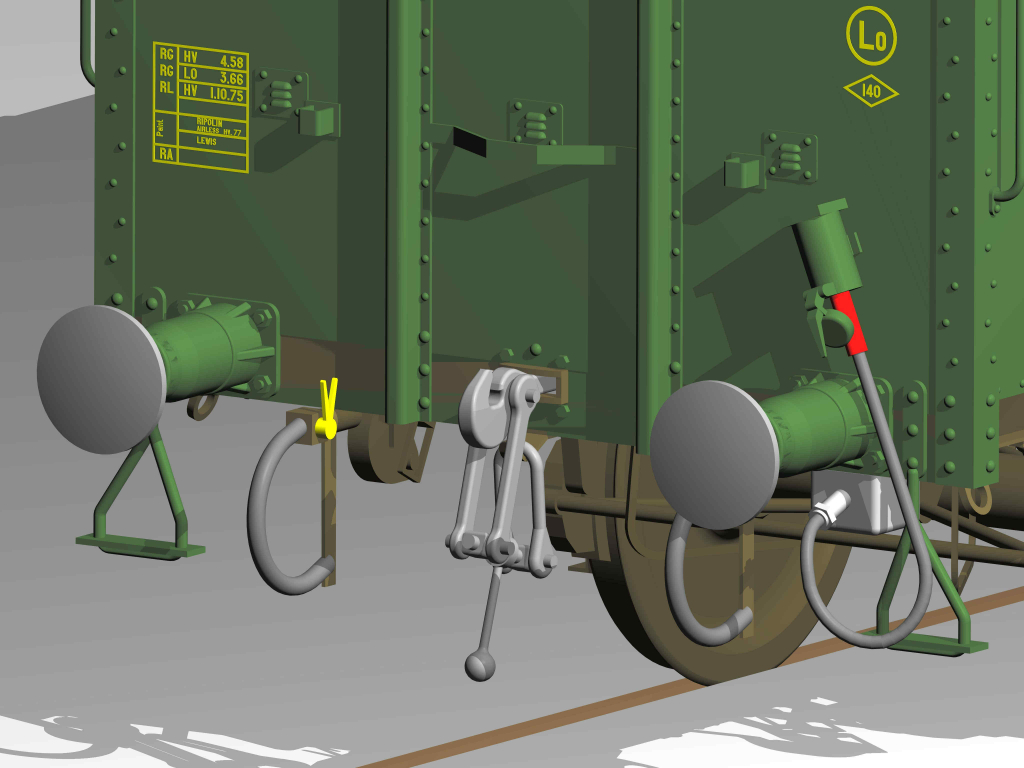
It is saved in JPEG format, which gives a size of 2,232 KB. Yes, larger than in PNG: didn’t I tell you that PNG was better suited to this type of image? The dimensions are unchanged, of course.
JPEG compression reduction
A compression of 35 % is required — which is significant — to achieve a file size of 495 KB.
File name: dd-ferry-traverse-c35.jpg.
Reduction by decreasing dimensions
The dimensions must be reduced to 33 % to achieve 482 KB (at 34 %, the size exceeds 500 KB). The dimensions become 1,352 × 1,014 px.
File name: dd-ferry-traverse-r33.jpg.
Comparisons
- Comparison of original and compressed images.
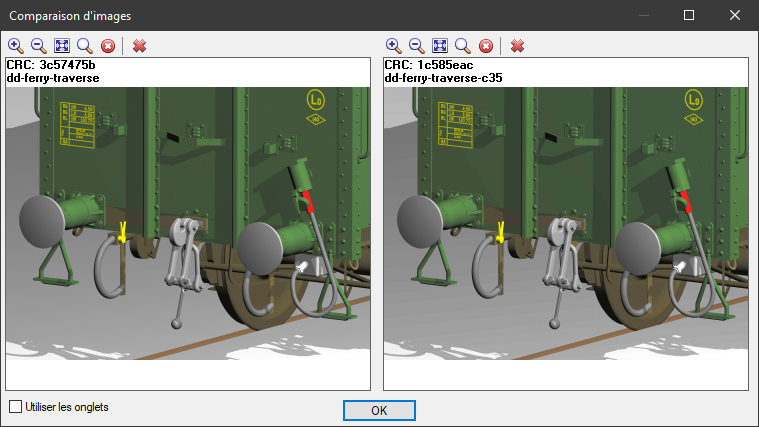
Nothing striking. Let’s take a closer look by greatly enlarging the image.
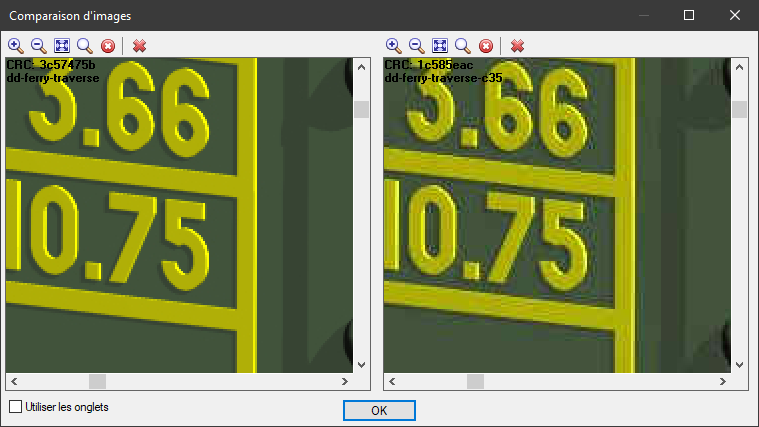
There is a difference in quality, particularly in the flat yellow areas, but nothing dramatic, considering the high compression. The image remains perfectly usable.
- Comparison between the two compression modes.
The compressed image is on the left; the shrunk image is on the right.
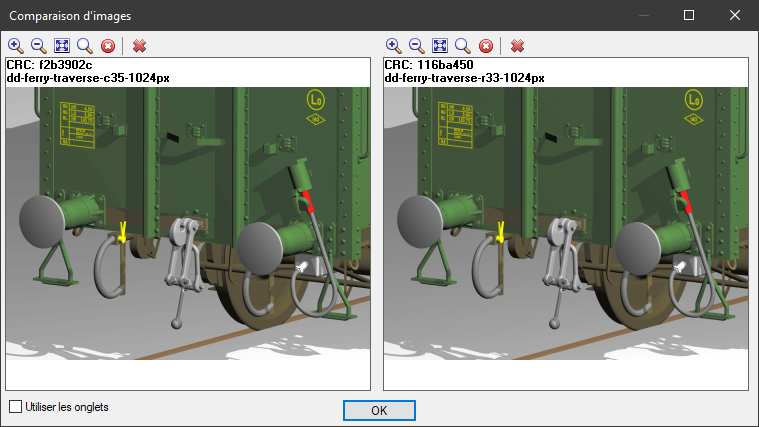
Enlargement:
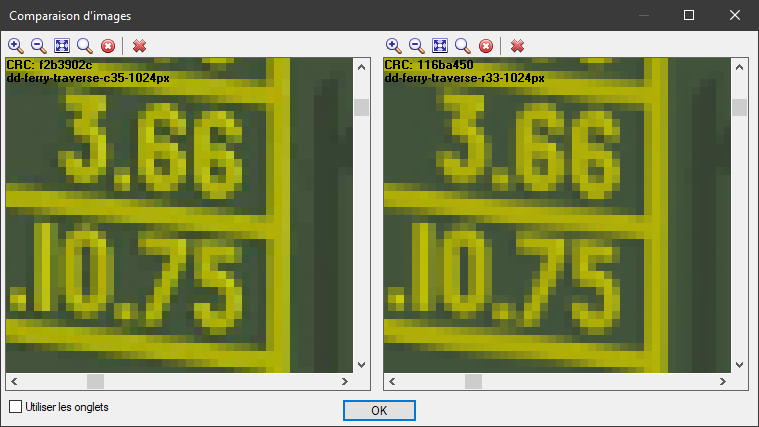
There is a slight advantage to the compressed image. This is confirmed by the size of the two files: dd-ferry-traverse-c35-1024px.jpg is 357 KB; dd-ferry-traverse-r33-1024px.jpg is 328 KB.
Let’s say that for a low-quality image published on the Internet, both modes give similar results.