Page created on 11/01/2026.
Second test: JPEG image
The original image has the following characteristics: 6,016 × 4,000 px, 13,240 KB.
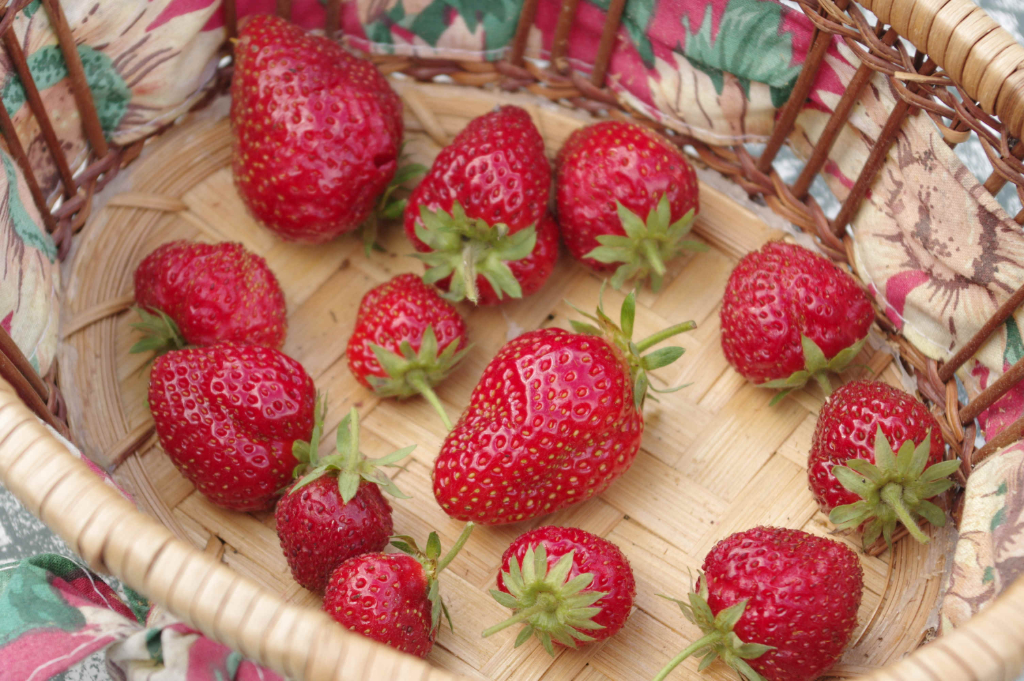
As it is impossible to compress the image to less than 500 KB, I will reduce the dimensions to 50 % and use the result, named fraise-50.jpg, in both tests. This image now measures 3,008 × 2,000 px and 5,791 KB.
Reduction by JPEG compression
The image must be compressed to 39 % to obtain a size of 499 KB. It is named fraise-50-c39.jpg.
Reduction by decreasing dimensions
The dimensions must be reduced to 22 % to obtain an image of 493 KB and 662 × 440 px. Name: fraise-50-r22.jpg.
Comparisons
- Comparison of original and compressed images.
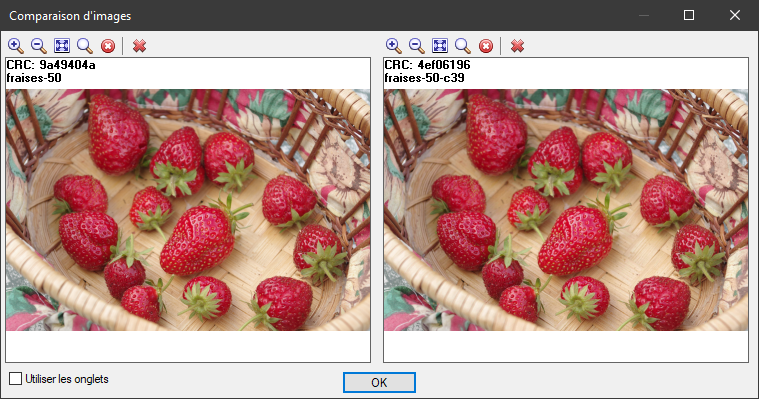
Detail.
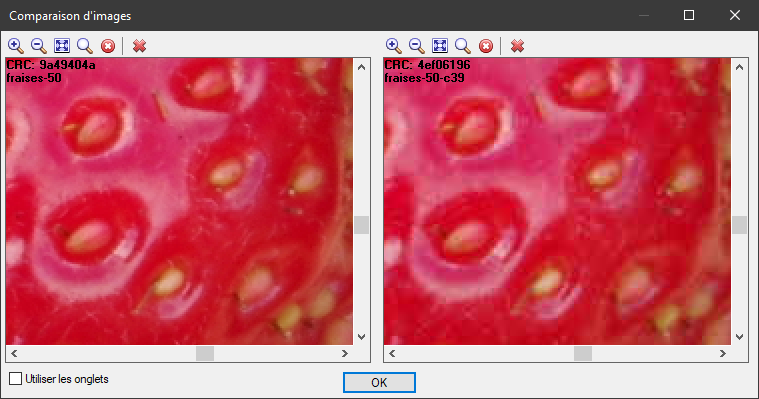
At such a high level of magnification, it is not easy to see the difference between the two images.
- Comparison of compressed (left) and shrunk (right) images.
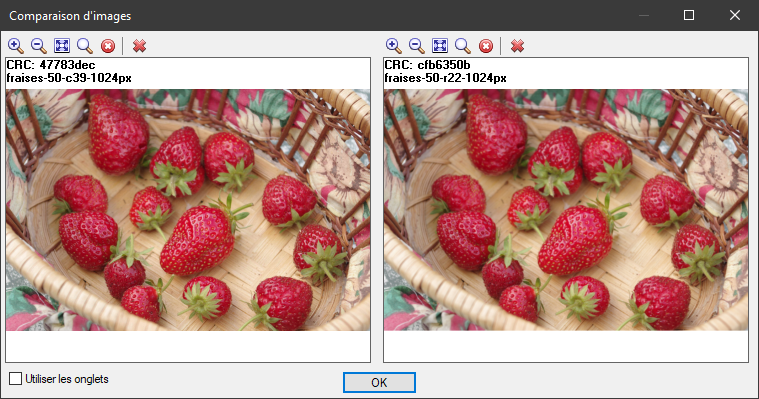
Nothing very noticeable… Let’s look at the detail.
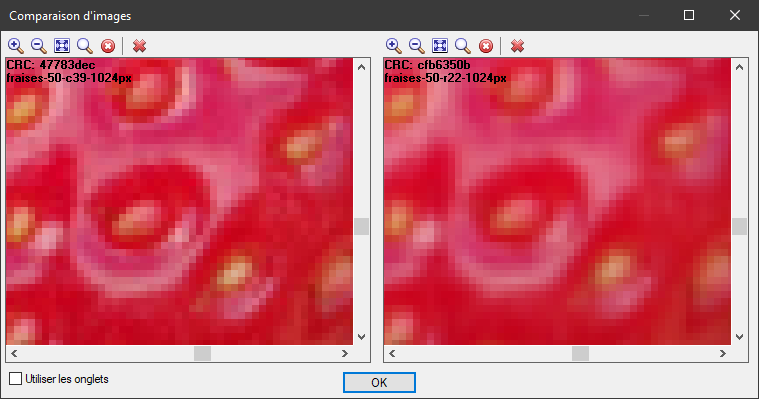
The compressed image is slightly more pixelated than the other. However, it is more detailed, as it weighs 949 KB compared to 784 KB.
Better contrast and sharpness for the compressed image in this other detail:
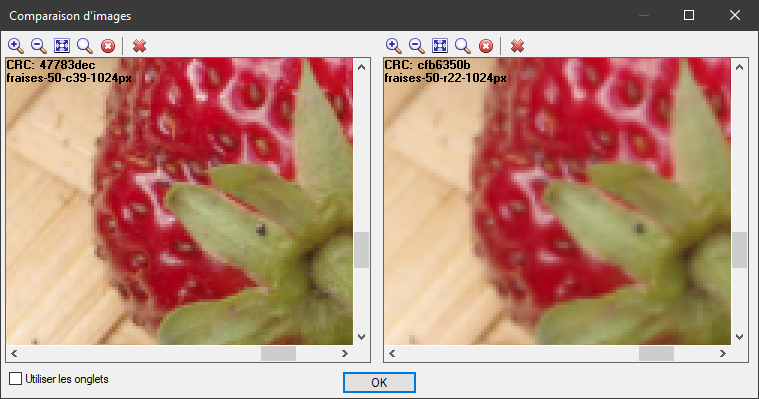
The compressed image still wins.